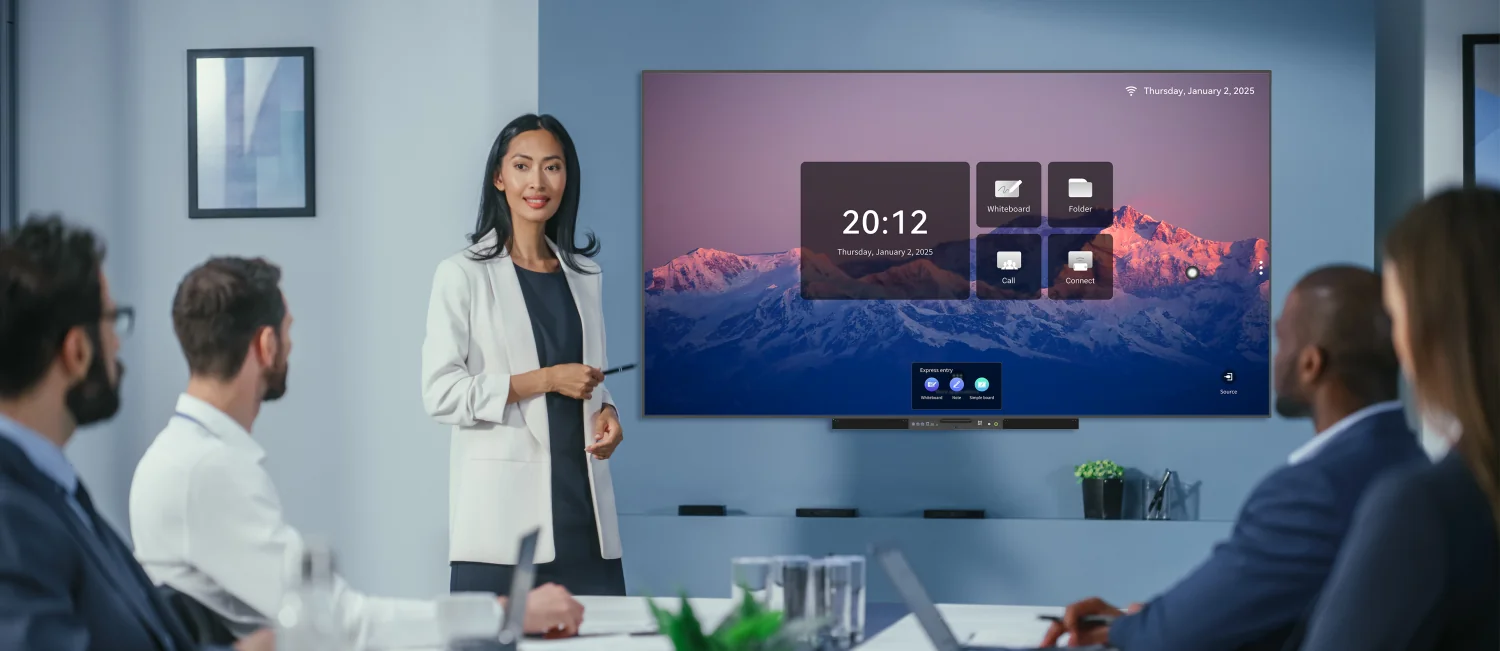
Meetings often lose momentum when ideas remain scattered across laptops, notebooks, and separate video windows. Smart boards for business bring presentation, annotation, collaboration, and digital content into one shared workspace, making information easier to discuss in real time. Ledman incorporates practical interaction features into its business display solutions, including pen-based activation that can open annotation or whiteboard functions as soon as the magnetically attached pen is lifted.
Turning Meetings Into Collaborative Workspaces
Traditional presentations tend to place one person in control of the screen while everyone else watches. Interactive displays change that dynamic by allowing participants to write, highlight, move objects, and organize ideas directly on shared content.
Such interaction is particularly useful during brainstorming sessions. Instead of recording suggestions separately and transferring them into digital documents later, teams can arrange concepts visually while the discussion is still underway.
This approach makes conference room smart boards useful beyond routine slide presentations. Project reviews, strategy discussions, planning sessions, and training activities can all benefit from a shared digital workspace where information develops alongside the conversation.
Improving Presentation Efficiency
Business presentations frequently involve switching between slides, websites, spreadsheets, documents, and other resources. Moving between disconnected devices can interrupt the flow of a meeting and make simple explanations unnecessarily complicated.
An integrated display gives presenters a central surface for navigating and explaining content. Important sections can be enlarged, marked, or discussed directly on the screen without requiring participants to rely on separate handwritten notes.
Another practical detail comes from pen detection. Ledman’s magnetically attached pen can automatically wake whiteboard or annotation applications when lifted, reducing the number of manual steps required before writing begins.
Supporting Video Conferencing
Hybrid meetings introduce a different challenge: remote participants need the same visual context as people sitting inside the room. Shared screens, digital annotations, and visible meeting notes can help connect both groups.
Camera placement and screen positioning should be considered together. Participants need to see remote colleagues while also maintaining a clear view of shared material. Audio equipment matters as well, particularly in larger rooms where voices may come from different parts of the table.
Used thoughtfully, smart boards for business can connect physical and remote collaboration by giving both groups access to the same digital content. Meeting notes can be discussed on-screen rather than being confined to a private notebook.
Including Remote Team Members
Remote employees can easily become passive observers when meetings revolve around physical documents or whiteboards that are difficult to see. Digital collaboration reduces this barrier by making working materials accessible through shared platforms.
Interactive annotation is particularly valuable during design reviews and project planning. Team members can respond to specific sections of a diagram or document instead of describing changes only through verbal instructions.
Meeting productivity also improves when decisions are captured visibly. A shared workspace can show assigned actions, revised concepts, or discussion points before the session ends, giving remote participants a clearer record of what was agreed.
Reducing Friction Between Tasks
Productivity does not always depend on adding more features. Removing unnecessary transitions between tasks can have an equally meaningful effect. Searching for cables, opening separate applications, or locating the correct annotation tool can interrupt the rhythm of a discussion.
Well-designed conference room smart boards bring commonly used functions closer together. Presenters can move from viewing content to annotating it, while participants can shift from discussion to visual collaboration without changing the physical setup.
Pen lift detection illustrates this principle on a small scale. Rather than requiring several interface actions before writing, lifting the attached pen can trigger the relevant whiteboard or annotation software. Small workflow improvements can become noticeable when repeated across many meetings.
Measuring Productivity Gains
The value of an interactive display should be judged against actual meeting behavior rather than feature count. Teams that conduct frequent workshops may gain more from annotation and collaborative tools than organizations that mainly deliver prepared presentations.
Meeting duration provides one useful measurement. Faster access to documents, fewer device changes, and clearer visual communication can reduce time spent on procedural tasks. Another useful indicator is follow-up quality: decisions captured during the meeting are easier to reference afterward.
User adoption matters too. Technology that feels complicated may remain underused regardless of its specifications. Smart boards for business become more valuable when presenters and participants can understand the workflow quickly and incorporate the display naturally into everyday meetings.
Conclusion
Business displays have moved beyond the role of enlarged presentation screens. Collaboration, hybrid communication, visual planning, and faster access to meeting tools can all influence how teams work together. For organizations considering conference room smart boards, the most useful evaluation focuses on actual meeting scenarios, participant behavior, and workflow efficiency rather than isolated specifications. Ledman’s pen lift detection provides one example of how thoughtful interaction design can reduce small interruptions, while the broader value comes from creating a shared environment where ideas, presentations, and remote participation can work together.